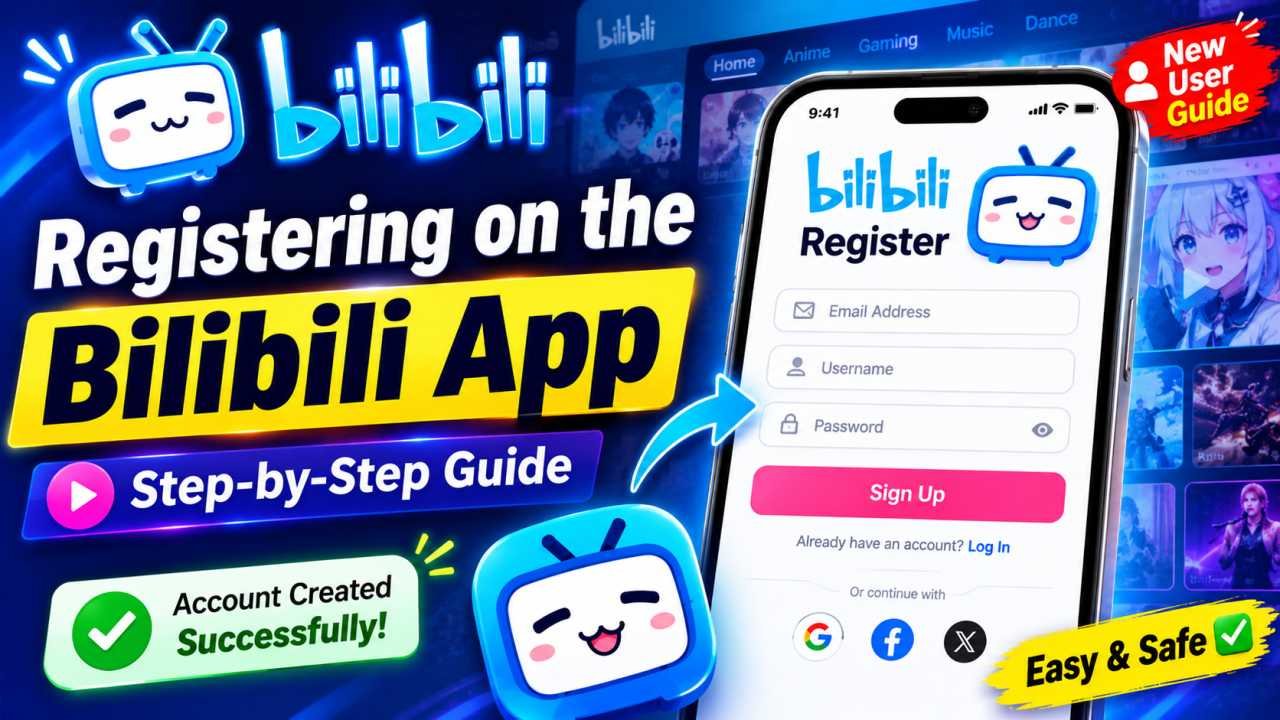
Bilibili has grown into one of the biggest video and anime streaming platforms in the world, and creating your own account is the first step to unlocking everything it offers — from watching shows and posting danmaku comments to following your favorite creators. If you’re wondering how to complete your Bilibili registration the right way, this guide walks you through every step, for both the app and the website.
What You Need Before You Start
Before starting your Bilibili registration, make sure you have:
- A valid phone number or email address
- A stable internet connection
- The Bilibili app (iOS/Android) or a browser to visit bilibili.com
The good news is that you don’t need a VPN to sign up. Most overseas users can complete registration directly using either their phone number or email, though some users outside China may occasionally need to switch their region during the process.
How to Create a Bilibili Account Without a Chinese
Registering on the Bilibili App

The mobile app is generally the easiest way to complete your Bilibili registration. Here’s how:
- Download and install the Bilibili app from the App Store or Google Play.
- Open the app and tap “Me” in the bottom-right corner.
- Tap “Sign Up”.
- Choose whether to register with your phone number or email address.
- Enter your details and wait for the verification code.
- Type the code into the verification box.
- Set a password to finish creating your account.
Once verified, you’re free to start exploring channels, watching videos, and interacting with the community right away.
Registering on the Bilibili Website
You can also sign up directly through a browser at bilibili.com. The process is nearly identical to the app, with the registration menu found in the top-right corner instead of the bottom.
- Go to bilibili.com and click the login button.
- Select the registration option.
- On the registration page, you’ll typically see a QR code login option along with two other choices: password-based signup and SMS/phone signup.
- If registering by phone, enter your phone number and country code, then request your SMS code.
- Complete the security/CAPTCHA check to confirm you’re not a bot.
- Enter the verification code you received to finish signing up.
Once your Bilibili registration is successful, you’ll be logged in automatically, often with a randomly assigned numeric username that you can personalize later.
Bilibili APK Download: How to Download It Safely on Androi
Phone vs. Email: Which Should You Choose?
Both options work well, but each has its own advantages:
- Phone number signup makes account recovery easier if you ever get locked out.
- Email signup is a good choice if you’d rather not share your phone number with the platform.
Whichever method you pick, Bilibili will always send a verification code first to confirm the phone number or email actually belongs to you before the account is created.
Setting Up Your Password and Nickname
After your code is verified, Bilibili will prompt you to:
- Create a password — use a mix of letters and numbers, and avoid simple or predictable patterns since your account will store comments, watch history, and profile details.
- Set a nickname — keep it free of special symbols or restricted words, as Bilibili enforces naming rules across the platform.
Bilibili App Login: How to Sign In and Fix Common Login
Troubleshooting Common Sign-Up Issues
- Verification code not arriving? Check your spam or junk folder if using email, or make sure your number can receive international SMS if you’re signing up from outside China.
- Token or login error after registering? Some users find that setting their device’s time zone to Beijing time (GMT+8) resolves sync errors during login.
- Confused by Chinese text on the site? Browser translation tools or extensions like a Chinese popup dictionary can help you navigate menus until your account is fully set up, after which you can typically switch the interface to English.
Bilibili vs. Bilibili Comics — Don’t Mix Them Up
It’s worth noting that there’s a difference between the mainland Bilibili platform and international spin-offs such as Bilibili Comics, which focuses on manga. Their account systems aren’t always fully cross-compatible, so make sure you’re downloading the correct app or visiting the correct site for the content you actually want to use.
Final Thoughts
Completing your Bilibili registration takes just a few minutes whether you use the app or the website. Once you’re signed up and verified, you can start watching videos, sending danmaku comments, and following creators right away. If you ever plan to grow into a business or influencer account, keep in mind that additional real-name verification steps are required later — but for casual viewing, basic registration is all you need to get started.
1 thought on “How to Register on Bilibili: Complete Sign-Up Guide”