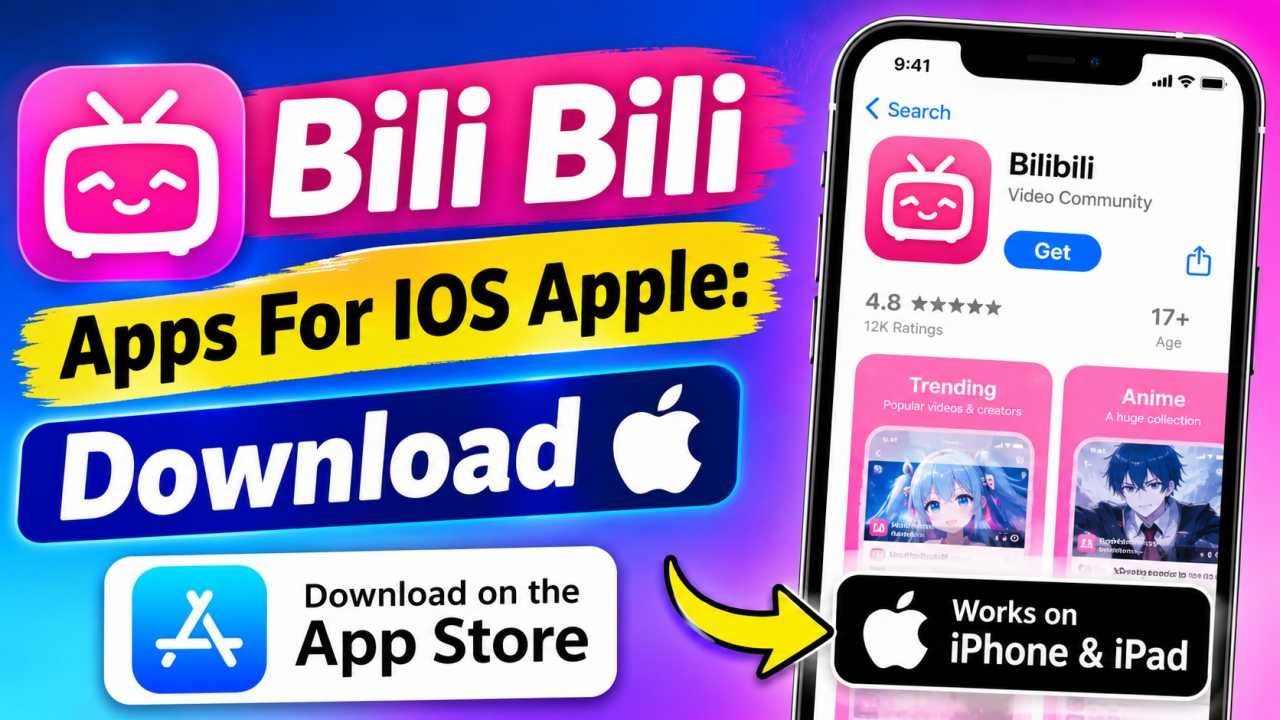
Bili Bili Apps For IOS Apple: Install & Setup Guide
Looking to install the official Bilibili app on your iPhone, iPad, or Mac? Bilibili (哔哩哔哩 / Station B) is Asia’s most popular video-sharing platform for licensed HD anime, Donghua, gaming broadcasts, vlogs, and interactive Danmaku bullet comments. Whether you are searching for the Bilibili HD iOS App, the main Chinese version, or seamless iPadOS installation, this complete guide provides verified download paths, setup procedures, and performance optimizations for all Apple devices.
Bilibili App for iOS & Apple Devices
Choose the official App Store option below to get started on your Apple hardware.
Official Apple App Store listing for a secure installation.
Why Stream Bilibili on Apple iOS Devices?
Apple’s iOS ecosystem offers superior video decoding, Metal hardware acceleration, and ProMotion display responsiveness. This makes it the ultimate mobile hardware platform for watching high-bitrate anime and 4K video content on Bilibili. From Super Retina OLED displays to spatial audio integration, Bilibili’s iOS client is engineered to take full advantage of Apple’s flagship technology.
Bilibili iOS App Technical Specifications
| Specification | Bilibili Global HD (App Store) | Bilibili Main App (China Store) |
|---|---|---|
| App ID | id1548857482 | id412627223 |
| Compatibility | iOS 13.0+, iPadOS 13.0+, macOS 11.0+ | iOS 12.0+ or later |
| Apple Silicon (Mac) | Native Support (M1 / M2 / M3 / M4) | Compatible via iPad App Mode |
| Subtitles | English, Indonesian, Thai, Vietnamese | Mandarin Chinese Subtitles |
| Playback Quality | 1080p Full HD / 4K Ultra HD | Up to 4K 60 FPS & Dolby Vision |
How to Download & Install Bilibili on iPhone and iPad
Installing Bilibili on your iOS device takes less than two minutes. Follow these simple steps to set up the app on your iPhone or iPad:
Choose Your Preferred Download Method
Click the “Open Bilibili on Apple App Store” button for immediate access, or tap the official “Get on Apple App Store” link to launch the Apple Store listing directly on your device.
Authenticate App Store Installation
Inside the App Store, click on the “Get” or cloud download icon. Verify the download using Face ID, Touch ID, or your Apple ID password to initiate the installation.
Grant iOS Network & Media Permissions
After launching the app from your home screen, grant permissions for Local Network Access (required for AirPlay TV casting) and optional Push Notifications for channel uploads.
Key Bilibili Features Tailored for Apple Devices
The iOS version of Bilibili provides tailored UI controls and performance enhancements. Here are the main features you get upon installation:
120Hz ProMotion Danmaku
Experience smooth, stutter-free scrolling of real-time Danmaku bullet comments across your screen on iPhone Pro and iPad Pro models featuring 120Hz ProMotion screens.
Official CC Subtitles
Enjoy popular trending anime like *Solo Leveling*, *Demon Slayer*, *Jujutsu Kaisen*, and Chinese Donghua with accurate multi-language CC subtitles in English, Thai, and Indonesian.
Offline Video Caching
Download full episodes and seasons directly to your iPhone’s internal storage. Watch high-definition content offline during flights, commutes, or areas with low connectivity.
AirPlay & Apple TV Streaming
Stream 1080p HD videos straight to your Apple TV or AirPlay 2 compatible Smart TV with one tap, while managing playback controls directly from your iOS Control Center.
How to Register & Log In on Bilibili iOS App
Creating an account unlocks HD quality choices, playlist synchronization, tipping, and comment publishing across your devices:
- Sign in with Apple: Bilibili Global on iOS supports 1-click **Sign in with Apple ID** for fast, private, and secure authentication without revealing your main email.
- International Mobile Registration: Select your country’s dialing code (e.g., +1 USA, +91 India, +44 UK, +62 Indonesia, +63 Philippines), enter your mobile number, and complete SMS OTP verification.
- Instant QR Code Login: If you are already logged in on a desktop browser, tap the camera icon in the upper right corner of the mobile app to scan the web QR code for password-less login.
3 thoughts on “Bilibili Apps for IOS Apple: Install & Setup”