Bilibili is one of the most popular video streaming and anime platforms in the world, used by millions of users to watch anime, dramas, gaming content, and live streams. But like any app, users sometimes run into frustrating issues — the app might crash, videos may not load, login errors can pop up, or the app may simply refuse to open.
If you’re currently dealing with Bilibili not working, Bilibili app crashing, or Bilibili not loading on your phone or PC, you’re not alone. In this guide, we’ll walk you through 10 simple and effective ways to fix common Bilibili problems — no technical expertise required.
Why Is Bilibili Not Working? Common Causes
Before jumping into the fixes, it helps to understand why the Bilibili app not working issue happens in the first place. Some of the most common causes include:
- Slow or unstable internet connection
- Outdated app version
- Server-side issues or scheduled maintenance
- Full cache or storage on your device
- Region restrictions or VPN conflicts
- Incorrect app permissions
- Insufficient device storage
Now let’s look at the practical solutions to fix these Bilibili errors.
Check Your Internet Connection
The very first thing to check is your internet connection. Bilibili buffering or slow loading is often caused by a weak or unstable network.
- Restart your Wi-Fi router
- Switch between Wi-Fi and mobile data to test the difference
- Run a speed test to confirm your internet speed
- Try connecting to a different network if possible
If your connection is slow, lowering the video quality can also help reduce Bilibili buffering issues.
Update the Bilibili App
An outdated app version is one of the most common reasons behind Bilibili not working properly. Developers regularly release updates to fix bugs and improve performance.
- Open the Google Play Store or Apple App Store
- Search for “Bilibili”
- Tap “Update” if a new version is available
- Restart the app once the update is complete
Clear App Cache and Data
When an app’s cache builds up too much, it can slow down or crash the app. Clearing the cache is a quick and effective fix for Bilibili app crashing issues.
For Android users: Settings > Apps > Bilibili > Storage > Clear Cache
For iOS users: Since iOS doesn’t offer a direct cache-clearing option, uninstalling and reinstalling the app is the best way to clear cached data.
Force Stop and Restart the App
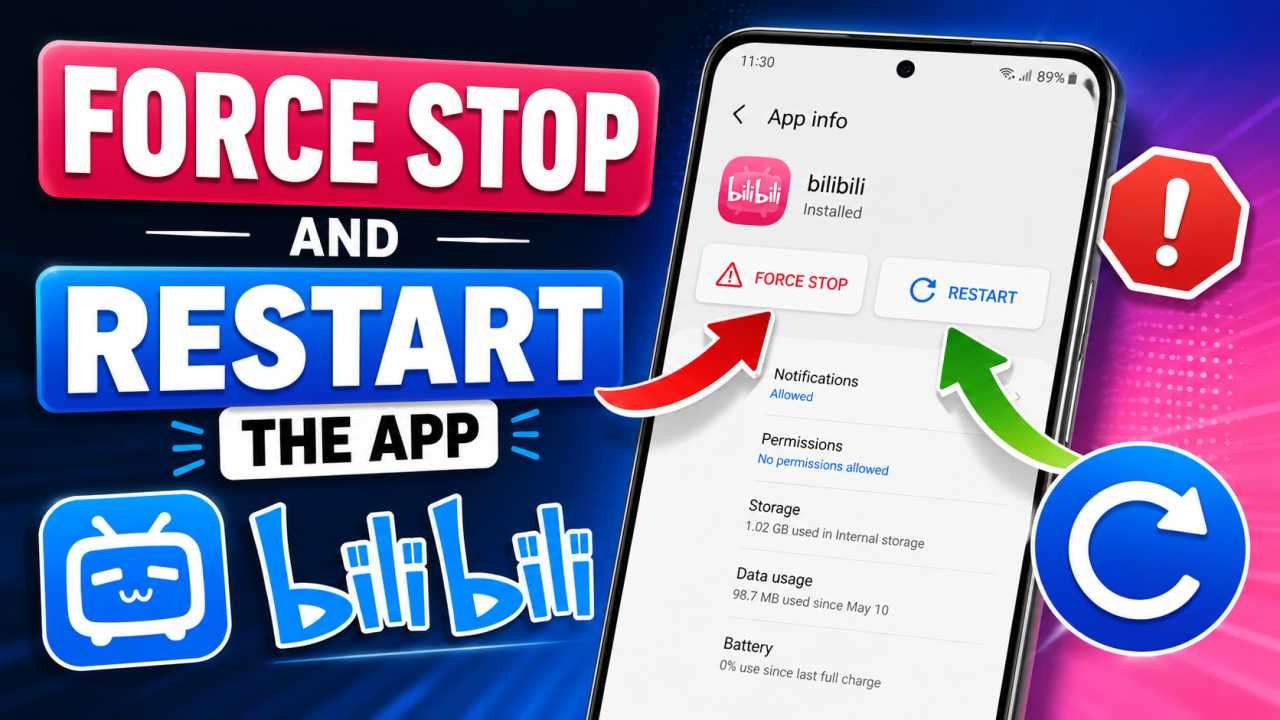
Sometimes a background glitch prevents the app from responding correctly. Force stopping the app can resolve this.
- Go to Settings > Apps > Bilibili > Force Stop
- Wait a few seconds
- Reopen the app
Restart Your Device
If restarting the app alone doesn’t fix the issue, try restarting your entire device. This clears temporary software glitches that could be causing Bilibili video not playing errors.
Check VPN and Region Settings
Some Bilibili content is region-locked, which can trigger a Bilibili region restricted error. To fix this:
- Turn off your VPN and try again
- Or connect to a reliable VPN server and retest
- Double-check the region settings within the app
Region mismatches are a common cause of the Bilibili video not playing problem.
Free Up Storage Space
When your device’s storage is nearly full, apps like Bilibili can start malfunctioning or crashing unexpectedly.
- Delete unused apps
- Back up old photos and videos to the cloud, then remove them from your device
- Clear your downloads folder
Verify App Permissions
Sometimes essential permissions — like network or storage access — get disabled, preventing the app from functioning correctly.
- Go to Settings > Apps > Bilibili > Permissions
- Make sure all required permissions are enabled
Check Bilibili Server Status
If you’ve tried everything above and Bilibili is still not working today, the problem might not be on your end at all — Bilibili’s servers could be down.
- Search “Bilibili down” on Twitter/X
- Check server status on websites like DownDetector
- Wait a while and try again later
Reinstall the App
If nothing else works, completely uninstalling and reinstalling the app is often the most effective fix for persistent Bilibili not working issues.
- Uninstall the Bilibili app
- Restart your device
- Download the latest version from the Play Store or App Store
- Log in again and check if the issue is resolved
Conclusion
Most Bilibili not working problems come down to minor technical issues that you can fix yourself without needing expert help. Checking your internet connection, keeping the app updated, and clearing the cache resolve the majority of cases. If the problem still persists after trying all these fixes, reaching out to Bilibili’s official support team is your best next step.
We hope this guide helped you get Bilibili working again. If you’re facing any other app-related issues, feel free to share them in the comments below.