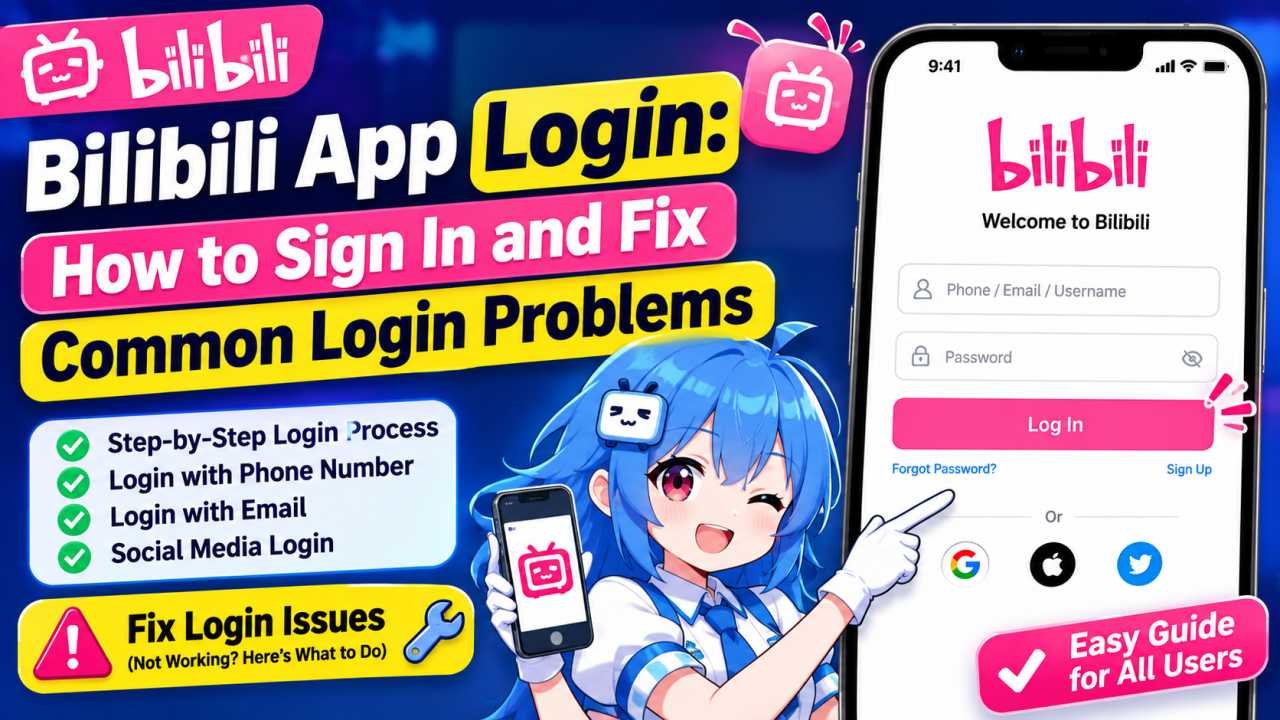
If you are trying to log in to the Bilibili app but are not sure how to do it, this guide is for you. Many new users face problems when signing in, creating an account, receiving a verification code, or resetting a forgotten password.
Bilibili is a popular video and entertainment platform where users can watch different types of content. However, you may need to log in to access certain features and manage your account.
In this guide, we will explain how to log in to the Bilibili app, create a new account, reset your password, and fix common Bilibili login problems.
How to Log In to the Bilibili App
- Open the Bilibili app on your phone.
- Go to the Profile or Account section.
- Tap the Log In or Sign In option.
- Choose the login method available to you.
- Enter your phone number, email address, or other required details.
- Enter the verification code if one is requested.
- Complete the verification process.
Once everything is correct, your Bilibili account should be logged in successfully.
Keep in mind that the login screen and available options may look slightly different depending on your app version and region.
How to Create a New Bilibili Account
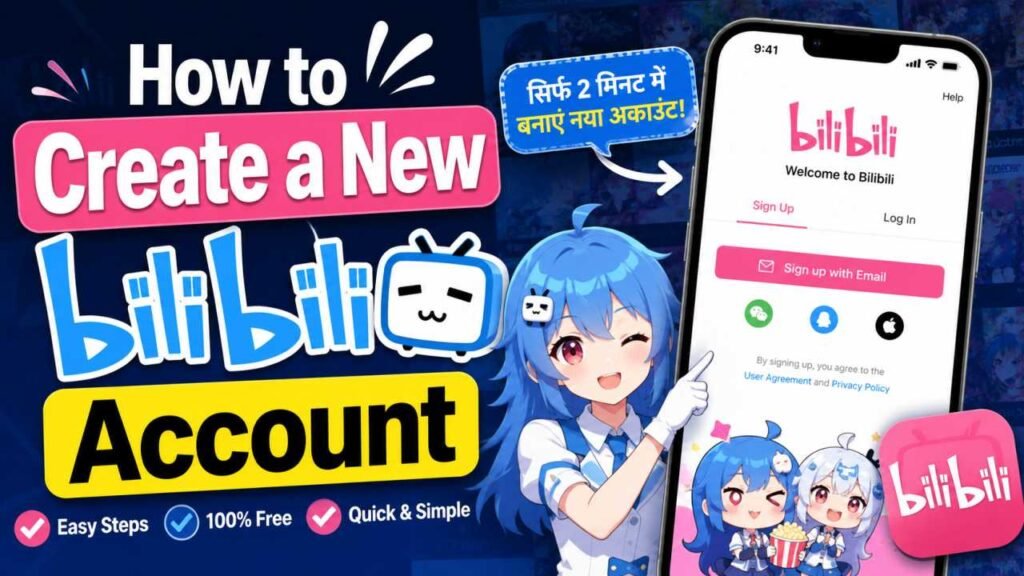
Open the Bilibili app and go to the Log In section. Look for an option such as Register or Sign Up.
Then follow the instructions shown on the screen.
Depending on the options available in your region, you may be asked to register using a phone number, email address, or another supported method.
You may also need to complete a verification process before your account is created.
Once your registration is complete, you can use your new account details to sign in to the Bilibili app.
When creating an account, it is a good idea to use an email address or phone number that you can continue to access in the future. This can make account recovery easier if you forget your password later.
Bilibili for Mac Download: The Complete 2026 Guide
Bilibili App Login Options
The login options available on Bilibili can depend on the version of the app and your location.
You may see options such as:
- Login with a mobile number
- Login with an email address
- Login with a password
- Login using a verification code
- QR code login
- Other supported sign-in methods
If you already have an account, try to use the same login method that you used when you created or linked your account.
For example, if your account was created using an email address, signing in with the correct registered email may be the easiest option.
How to Log In to Bilibili With a Phone Number
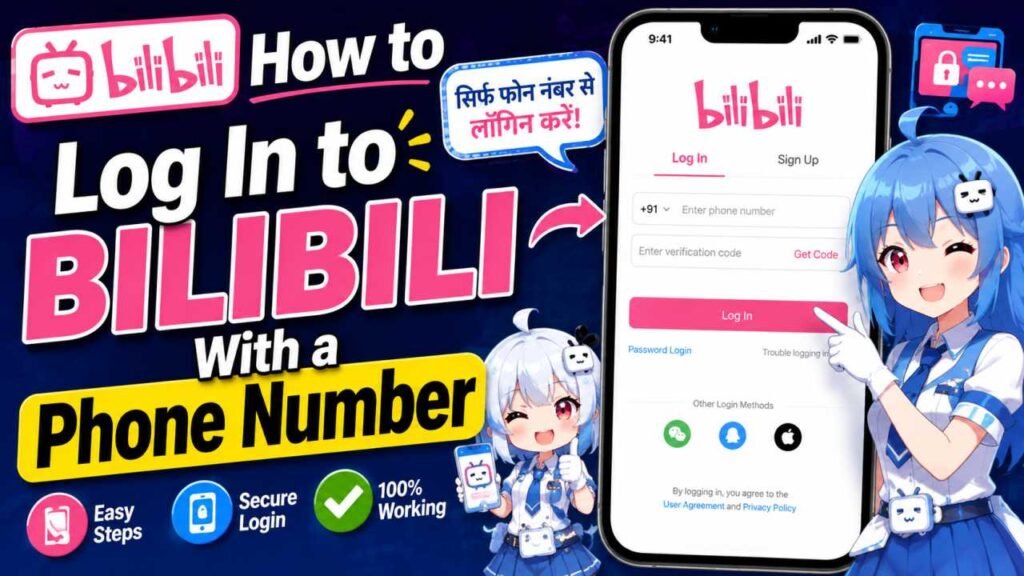
If your Bilibili app offers phone number login, make sure you select the correct country code before entering your number.
After entering your mobile number, the app may send a verification code to your phone.
Follow these steps:
- Select the correct country or region code.
- Enter your mobile number carefully.
- Request a verification code.
- Wait for the code to arrive.
- Enter the code in the app.
- Complete the login process.
If you do not receive the verification code, check that your phone number and country code are correct. Also, make sure your phone has a working network connection.
Avoid requesting too many codes in a short period, as this may cause a temporary limit.
What Is the Bilibili App? Global Launch, Download Guide &
How to Log In With Email and Password
If your Bilibili account is connected to an email address, you may be able to log in using your email and password.
Before submitting your details, check that:
- Your email address is spelled correctly.
- You are using the correct password.
- Caps Lock is not turned on by mistake.
- There are no extra spaces in the email or password field.
- You are using the correct login method for your account.
Sometimes users enter the correct email but use the wrong password or accidentally try a different sign-in method.
Forgot Your Bilibili Password? Here’s What to Do
Forgetting your password can be frustrating, but you usually do not need to create a new account.
On the Bilibili login screen, look for an option such as Forgot Password or Password Recovery.
You may then need to verify your identity using your registered email address or phone number.
The general process may look like this:
- Select Forgot Password.
- Enter your registered phone number or email.
- Receive a verification code or recovery instructions.
- Complete the required verification.
- Create a new password.
- Log in with your new password.
When creating a new password, avoid using very simple combinations such as your name, 123456, or your birth year.
A stronger password can help protect your account.
Bilibili App Login Not Working? Try These Fixes
If you cannot log in to the Bilibili app, there are several simple things you can try.
Check Your Internet Connection
A weak or unstable internet connection can sometimes cause login problems.
Try switching between Wi-Fi and mobile data, then open the app again.
How to Download Bilibili Video in 1080p MP4, Without Any
Restart the App
Close the Bilibili app completely and open it again.
This can sometimes fix temporary loading or login issues.
Check Your Login Details
Make sure you entered the correct:
- Phone number
- Country code
- Email address
- Password
- Verification code
Even a small typing mistake can prevent you from logging in.
Update the App
If you are using an older version of the app, check whether an update is available.
Updating the app may fix bugs and other technical problems.
Wait Before Requesting Another Verification Code
If you requested several verification codes, wait for some time before requesting another one.
Repeated requests may sometimes trigger a temporary limit.
Try Again Later
Sometimes the problem may not be with your phone or account. Temporary service or network issues can also affect the login process.
In that situation, waiting and trying again later may help.
Bilibili App Login Security Tips
Keeping your account secure is important. Here are a few simple tips to protect your Bilibili account.
Use a Strong Password
Avoid simple passwords such as:
- 123456
- password
- Your name
- Your date of birth
Instead, use a combination of letters, numbers, and other supported characters.
Never Share Your OTP
A verification code or OTP is meant only for you.
Do not share it with anyone, even if someone claims to be from customer support.
Avoid Unknown Login Websites
Be careful when searching for Bilibili app login online.
Some fake websites may try to copy a real login page and steal account information. It is safer to enter your login details only through trusted and official Bilibili services.
Keep Your Recovery Details Updated
If your account has a recovery email address or phone number, make sure you can still access it.
This can make it much easier to recover your account if you forget your password or lose access.
Can You Use Bilibili Without Logging In?
Some content or features may be available without signing in. However, certain account-related and personalized features may require you to log in.
When you sign in, you may be able to manage your profile, preferences, saved activity, and other account-based features.
If you use Bilibili regularly, having an account can provide a more personalized experience.
Why Does Bilibili Ask for a Verification Code?
Bilibili may ask for a verification code to help protect your account.
You may be asked to verify your identity when:
- Logging in from a new device
- Resetting your password
- Changing important account details
- Making multiple login attempts
- Using a new network or location
If you receive a verification request that you did not expect, be careful. Do not share the code with anyone.
Bilibili App Login FAQs
How do I log in to the Bilibili app?
Open the app, go to the Profile or Account section, select Log In, choose an available sign-in method, and complete the required verification.
Can I create a new Bilibili account?
Yes, if registration is available in your app and region. Look for the Register or Sign Up option and follow the instructions on the screen.
Why is my Bilibili verification code not arriving?
Check that your phone number, country code, or email address is correct. Also, check your network connection and wait before requesting another code.
What should I do if I forgot my Bilibili password?
Use the Forgot Password or Password Recovery option on the login page and follow the available account verification steps.
Is it safe to log in to Bilibili?
It is important to use trusted and official Bilibili services, use a strong password, and never share your password or verification code with anyone.
Final Thoughts
The Bilibili app login process is usually easy. Open the app, go to your Profile or Account section, select the available login option, and enter the required information.
If you have trouble logging in, first check your internet connection, phone number, email address, password, and verification code. If you forgot your password, use the password recovery option instead of repeatedly trying different passwords.
Most importantly, keep your account secure. Never share your password or OTP with anyone, and avoid entering your account details on unknown websites.
With the correct login details and a few simple security precautions, you can access your Bilibili account and use the app more easily.
1 thought on “Bilibili App Login: How to Sign In and Fix Common Login Problems”