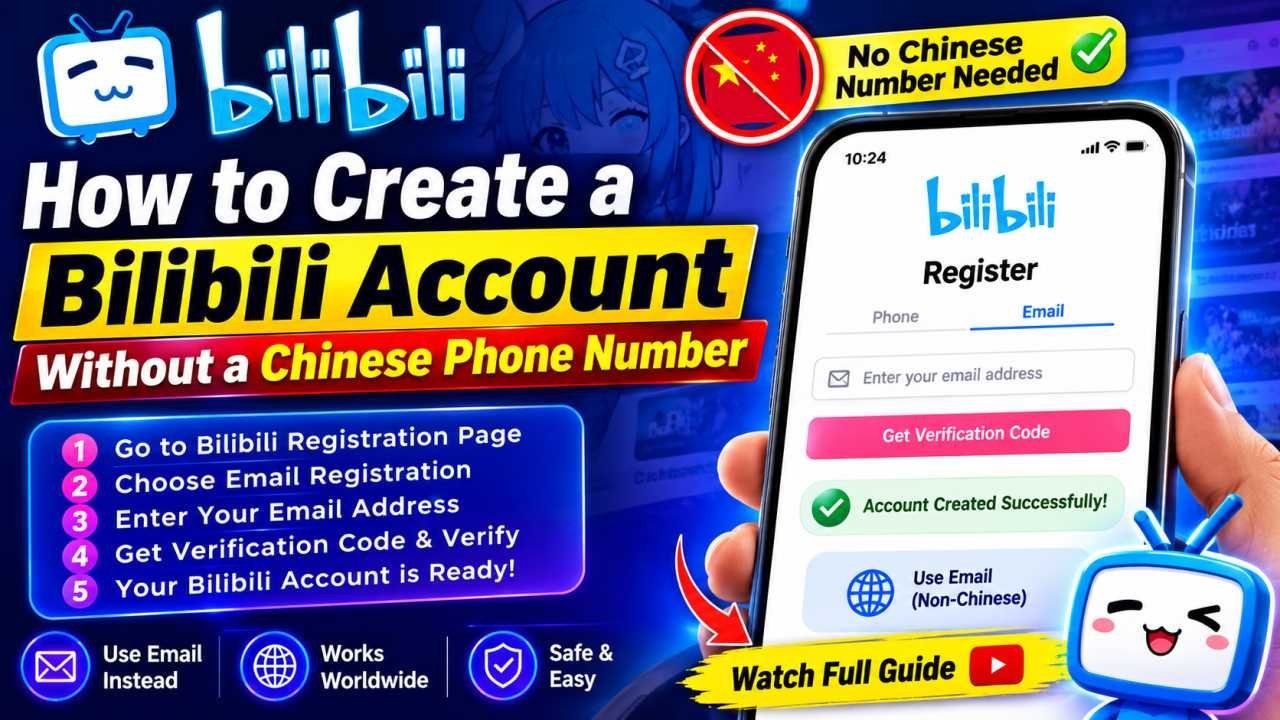
Bilibili, often called the “YouTube of China,” has grown into one of the biggest homes for anime, gaming, VTubers, and ACG (Anime, Comic, Games) culture on the internet. For years, the platform’s biggest barrier for international fans was simple: registration required a +86 Chinese mainland phone number. If you didn’t have a Chinese SIM card, you were locked out.
The good news is that this is no longer strictly true. Bilibili has gradually opened its doors to overseas users, and there are now several practical ways to create a Bilibili account without a Chinese phone number. This guide walks through every method, from the platform’s own international options to backup solutions when those don’t work.
Bilibili APK Download: How to Download It Safely on Androi
Why Bilibili Traditionally Required a Chinese Phone Number
Bilibili was built primarily for the domestic Chinese market, and its verification system was designed around China’s real-name registration laws. A Chinese phone number acted as both a spam filter and an identity check, tying every account to a verifiable SIM card. For international users, this meant either borrowing a friend’s number, buying a Chinese SIM they’d never use again, or giving up on the platform entirely.
Starting around 2021, Bilibili began rolling out international support to capture its growing overseas fanbase, particularly among viewers following donghua, VTuber streams, and gaming content that wasn’t easily available elsewhere. That shift is what makes the methods below possible today.
Method 1: Register Directly With an International Phone Number
The simplest and most reliable option is to use Bilibili’s own international registration flow, which now supports numbers from a growing list of countries.
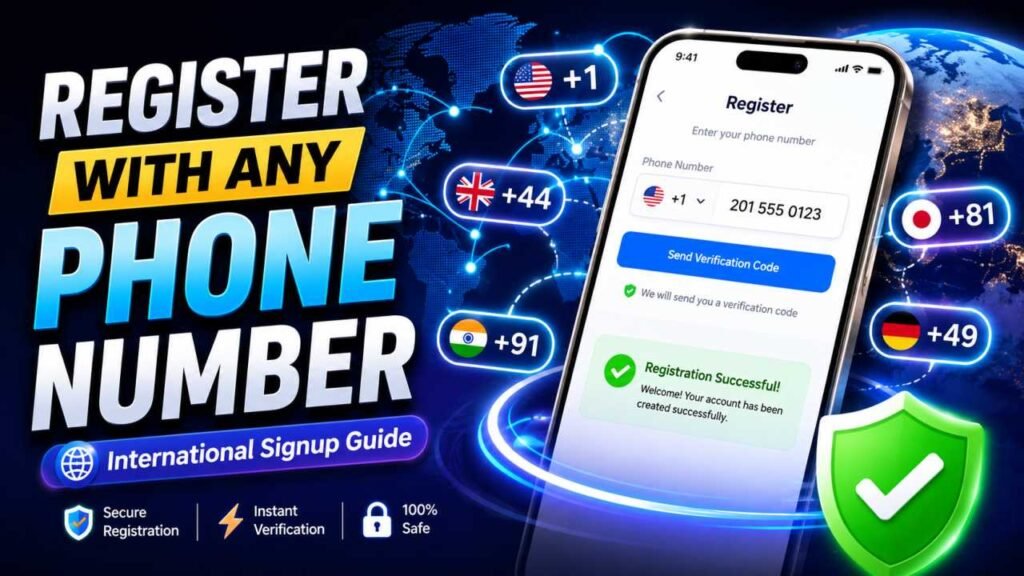
Steps:
- Go to the official Bilibili website or download the app from your region’s app store.
- Select “Sign Up” and look for a country code dropdown next to the phone number field.
- Choose your home country’s code (for example, +1 for the US/Canada, +44 for the UK, +91 for India) instead of the default +86.
- Enter your number and request the SMS verification code.
- Enter the code, set a username and password, and complete the signup.
Not every country is supported yet, and coverage can change, so if your country doesn’t appear in the list, don’t worry — the other methods below will still work.
Bilibili App Login: How to Sign In and Fix Common Login
Method 2: Sign Up Using an Email Address
Bilibili also allows registration through email in many cases, which sidesteps the phone number requirement entirely.
- On the registration page, look for an “Email Sign Up” or similar toggle instead of the phone option.
- Enter a valid email address you can access.
- Confirm the verification email sent to your inbox (check spam/junk folders if it doesn’t arrive quickly).
- Set your password and finish creating the profile.
Email registration is generally the least complicated route if it’s available in your app version, since you skip SMS verification altogether.
Method 3: Use a Virtual or Temporary Phone Number
If Bilibili’s registration page insists on a phone number and your country isn’t yet supported, a virtual (temporary) SMS number is the most common workaround. These services let you rent a phone number for a few minutes, just long enough to receive the one-time verification code.
Popular temporary SMS providers include services like 5SIM, SMS-Man, GrizzlySMS, and similar platforms. The general process looks like this:
- Create an account on a virtual number provider and add a small balance (usually under a dollar per number).
- Search for “Bilibili” in their service list, since pricing and number availability differ by platform.
- Select a country and purchase a number.
- Copy that number into Bilibili’s registration form.
- Wait for the SMS code to arrive in your virtual number dashboard, then enter it on Bilibili.
A few practical notes:
- Numbers from Southeast Asian countries tend to have higher success rates for Bilibili specifically, since availability and delivery reliability vary by region.
- Codes can take a minute or two to arrive; refresh the dashboard rather than requesting a new code immediately.
- If one number fails to receive a code, try a different country or provider rather than repeatedly retrying the same number.
Keep in mind that account recovery is harder with a virtual number, since you generally can’t receive future SMS codes on it. It’s best paired with a linked email as backup.
Bilibili for Mac Download: The Complete 2026 Guide
Method 4: Passport Verification for Overseas Users
For features that require identity verification (such as live streaming, monetization, or lifting certain content restrictions), Bilibili now accepts passport verification for non-Chinese nationals instead of a mainland ID card. This is separate from the initial signup step — think of it as a two-tier system:
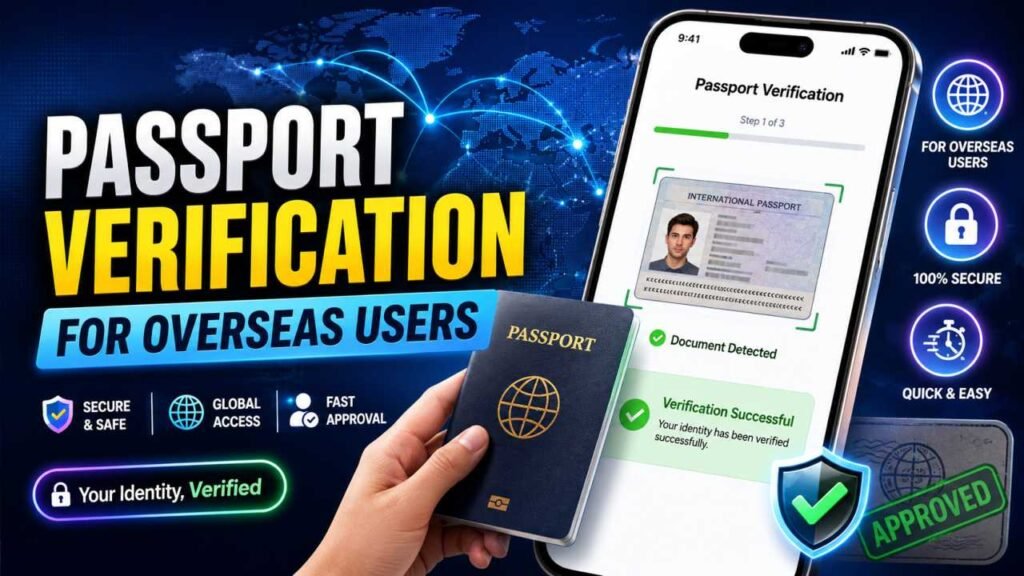
- Registration gets you a basic account.
- Verification unlocks additional features like commenting, livestream access, or higher-tier community privileges.
To verify with a passport:
- Go to your account’s verification or identity settings.
- Select “Overseas User” or “Passport Verification” if offered.
- Upload clear photos of your passport’s photo page, plus a selfie holding the document as instructed.
- Submit and wait — approval typically takes anywhere from a few hours to about a day.
If the option isn’t visible in your account yet, it may be rolling out gradually by region, so check back periodically or reach out to Bilibili’s support.
Tips for a Smooth Registration
- Use a translator extension. Parts of the interface may still default to Chinese depending on your region; a browser translation tool makes navigation much easier.
- Double check the country code. A surprising number of failed registrations happen simply because +86 wasn’t changed to the correct country code.
- Have a backup email ready. Even if you register by phone, linking an email gives you a way to recover your account later.
- Be patient with SMS delivery. Verification codes for international numbers sometimes take longer to arrive than domestic ones.
- Avoid reusing the same virtual number across multiple accounts. Bilibili’s spam detection can flag accounts tied to numbers that have registered too many profiles.
Final Thoughts
A Chinese phone number is no longer a hard requirement to join Bilibili. Between the platform’s own international registration support, email-based signup, virtual SMS numbers, and passport verification for account features, overseas fans have several realistic paths into the platform. Start with the official international option first, since it’s the most stable long-term, and fall back on a virtual number only if your country isn’t yet supported. Once you’re in, you’ll have full access to danmaku comments, donghua libraries, and the wider ACG community that made Bilibili worth the effort in the first place.
2 thoughts on “How to Create a Bilibili Account Without a Chinese Phone Number”