Video content is no longer limited to just a few major platforms. Today, creators have several options to publish their content and reach audiences from different regions. Bilibili is one of the popular video-sharing platforms, particularly among viewers interested in gaming, animation, technology, entertainment, music, and creative content.
If you are planning to upload your first video on Bilibili, the process may seem a little confusing at first, especially if you are unfamiliar with the platform’s Creator Center. Once you understand the basic steps, however, uploading a video is relatively simple.
In this guide, we will explain how to upload a video on Bilibili step by step. We will also cover important details such as video titles, descriptions, categories, tags, cover images, publishing settings, and some useful tips for creating better content.
What Is Bilibili?
Bilibili is a video-sharing and content platform where users can watch and publish different types of videos. The platform has a strong community around gaming, animation, technology, music, entertainment, lifestyle, and other creative topics.
One of Bilibili’s well-known features is Danmaku, which allows viewers to post comments that appear across the video while it is playing. This creates a more interactive viewing experience.
For creators, the Creator Center is an important part of the platform. It provides tools for uploading and managing videos and accessing available creator features.
What Do You Need Before Uploading a Video?
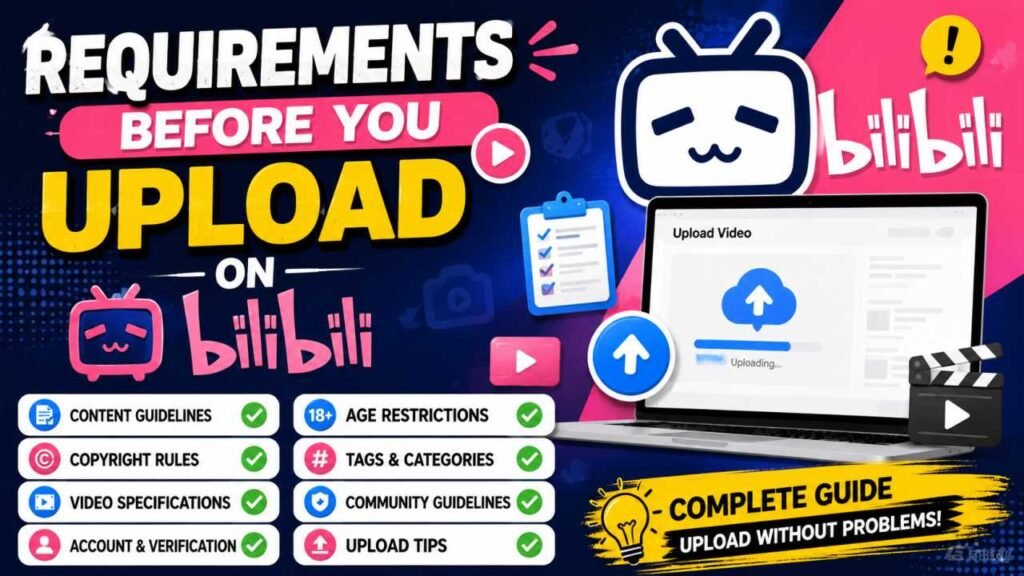
Before you start uploading, it is useful to have everything ready.
You will need an active Bilibili account and a video file that meets the platform’s current requirements. A commonly used format such as MP4 can be a convenient choice, but you should always check Bilibili’s latest supported format and upload requirements.
It is also a good idea to prepare your video title, description, relevant category, tags, and cover image before starting the publishing process.
Make sure your video plays correctly before uploading. Check the audio, video quality, and overall content so you do not have to make unnecessary changes later.
Bilibili App for Android: Features & Mobile Guide
How to Upload a Video on Bilibili?
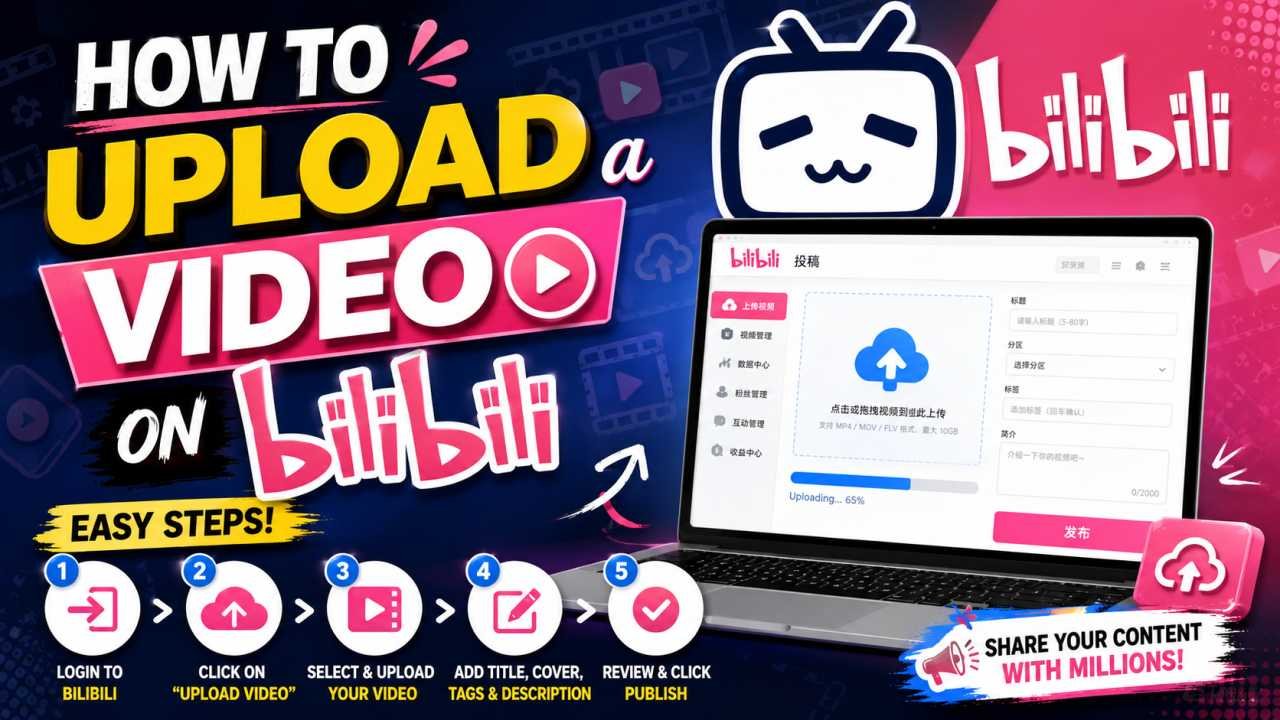
Step 1: Log In to Your Bilibili Account
First, open the Bilibili website or app and log in to your account.
If you do not already have a Bilibili account, you will need to complete the registration process first. Follow the information requested by the platform and finish the basic account setup.
After logging in, you should be able to access the main Bilibili interface.
Step 2: Open the Creator Center
After logging in, look for the Creator Center option. On the Chinese-language version of Bilibili, it may appear as 创作中心.
The Creator Center works as the main dashboard for creators. Depending on your account and the current platform interface, you may find options for uploading videos, managing content, and viewing available performance information.
If your interface is displayed in another language, look for the option related to creator or content management.
Step 3: Select the Upload Video Option
Once you enter the Creator Center, look for the Upload Video option.
Clicking this option should take you to the video upload page. From there, you can select a video file from your computer or device.
The exact layout and wording may change as Bilibili updates its website or app, so the option may appear slightly different depending on the version you are using.
Step 4: Upload Your Video File
Now select the video file you want to publish.
The upload time depends on factors such as your internet connection, video resolution, and file size. Larger files can naturally take longer to upload.
For a smoother upload experience, use a stable internet connection and avoid closing the browser or application while the upload is in progress.
Before uploading, make sure that you have the necessary rights to use the video, music, images, or other material included in your content.
Step 5: Add a Video Title and Description
After uploading the video, you will need to provide information about your content.
Start with the title. Keep it clear and relevant to the actual video. A good title should help viewers understand the topic without making misleading claims.
For example, if your video explains the upload process, you could use a title such as:
How to Upload a Video on Bilibili – Complete Beginner’s Guide
Next, write a useful description explaining what viewers can expect from the video.
You can naturally include relevant keywords in the description, but avoid repeating the same keywords unnecessarily. Clear and useful information is generally better than excessive keyword usage.
Step 6: Select a Category and Add Relevant Tags
Bilibili organizes content into different categories. Select the category that best matches your video.
For example, a technology tutorial should use a relevant technology category, while a gaming video should be placed under the appropriate gaming-related category.
You may also have the option to add tags. Use tags that genuinely describe your content and its topic.
Relevant tags can help organize your content and make it easier for the platform and viewers to understand what your video is about.
Step 7: Add a Custom Cover Image
Your video cover is one of the first things viewers may see before opening your video. A clean and relevant cover image can therefore be useful.
Depending on the available options, Bilibili may allow you to select a frame from the video or upload a custom cover.
When creating a cover image, avoid filling it with too much text. Keep the design simple and make sure the main subject or topic is easy to understand.
If you use text, make sure it remains readable on smaller screens, especially on mobile devices.
Step 8: Check Your Publishing Settings
Before publishing the video, review the available publishing settings.
Depending on your account and the current Bilibili interface, you may see options related to visibility, publishing time, comments, Danmaku, and other content settings.
Review these options carefully and choose the settings that are appropriate for your video.
It is also a good idea to check the title, description, category, tags, and cover image one more time before submitting the content.
Step 9: Submit Your Video
Once everything is ready, click the available Submit or Publish button.
Depending on the content and your account status, Bilibili may process or review the video before it becomes available to viewers.
The processing or review time can vary. If your video does not appear immediately, give the platform some time to complete the process.
If Bilibili displays a message about a problem with your content, read the information carefully and make the required changes if necessary.
Step 10: Monitor Your Video Performance
After your video is published, you can return to the Creator Center to check the available performance information.
Depending on the features available to your account, you may be able to see information such as views, likes, comments, shares, and other engagement metrics.
These statistics can help you understand how viewers are responding to your content.
Instead of focusing on a single video, look at your performance over time. This can help you identify which topics and formats are more useful for your audience.
Tips to Improve Your Bilibili Videos
Creating useful and consistent content is one of the most important parts of building an audience.
Keep your video titles accurate and easy to understand. Your description should provide useful information instead of simply repeating the title.
Use a clear cover image that represents the actual content of your video. Avoid using misleading images or information just to attract clicks.
If you publish videos regularly, try to maintain a consistent schedule that you can realistically follow.
It is also useful to read viewer comments and feedback. Audience responses can give you ideas for improving future videos and creating content that is more relevant to your viewers.
How to Choose the Right Video Topic?
There is no single topic that works for every creator. The best choice depends on your interests, experience, and target audience.
You can create content around areas such as gaming, technology, animation, tutorials, music, education, lifestyle, or other suitable topics.
If you are just starting, try different content formats and pay attention to the response from your audience.
Over time, the performance information available in your Creator Center can help you understand which topics are getting more attention.
Copyright Tips for Bilibili Creators
Copyright is an important consideration whenever you publish content online.
If your video includes music, images, video clips, graphics, or other material created by someone else, make sure you have the appropriate permission or rights to use it.
Avoid uploading someone else’s complete video or copyrighted material without authorization.
Creating original content is generally a better approach for building a long-term presence on any video platform.
If you use third-party material, review the relevant licensing terms and platform policies before publishing.
Common Problems When Uploading Videos
Sometimes creators may experience technical problems during the upload process.
If the upload is very slow, check your internet connection first. A stable connection can make the process smoother.
If Bilibili does not accept your video format, check the platform’s current supported formats and requirements. You may need to convert the video into a compatible format.
Large video files may also take additional time to process after the upload has finished.
If your video is not approved for publishing, carefully read the message provided by Bilibili and review the relevant content and copyright guidelines.
For account-related problems, use the support or help options provided by Bilibili.
Is Uploading Videos on Bilibili Free?
The availability of video publishing and creator features can depend on Bilibili’s current policies and your account status.
Some creator tools may have specific requirements. Because platform policies and features can change, it is always better to check the latest information shown in your Bilibili account before using a particular feature.
How Can You Make Better Bilibili Content?
Good content does not necessarily require complicated production. The most important thing is that the video provides something useful, interesting, or entertaining to the intended audience.
Use clear audio, understandable visuals, and a title that accurately represents your content.
Try to understand what your viewers are interested in and use their feedback to improve future videos.
Most importantly, focus on creating original and useful content rather than trying to copy the exact strategy of another creator.
Final Words
Uploading a video on Bilibili is relatively easy once you understand the Creator Center and the basic publishing process.
You need to log in to your account, open the Creator Center, upload your video, add a suitable title and description, select the right category, add relevant tags, choose a cover image, and review the available publishing settings before submitting the video.
After publication, keep an eye on the available performance information and use viewer feedback to improve your future content.
Before uploading any video, always make sure that your content follows Bilibili’s current platform rules and copyright requirements. With consistent effort and useful original content, Bilibili can be another platform for creators who want to share their work with a wider audience.